There are two ways to download data record's labels, one using the PrediCX WebApp, or through the Rest API which enables the download of huge amounts of data records and system integrations.
To perform this operation through the WebApp you need to:
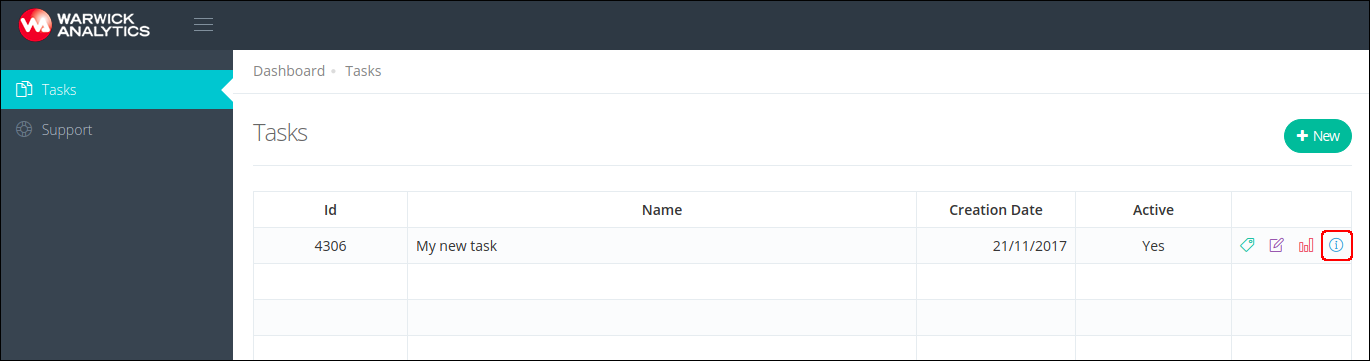
- Go to the task details screen, by pressing task details button
- Access the Data records section on the task screen
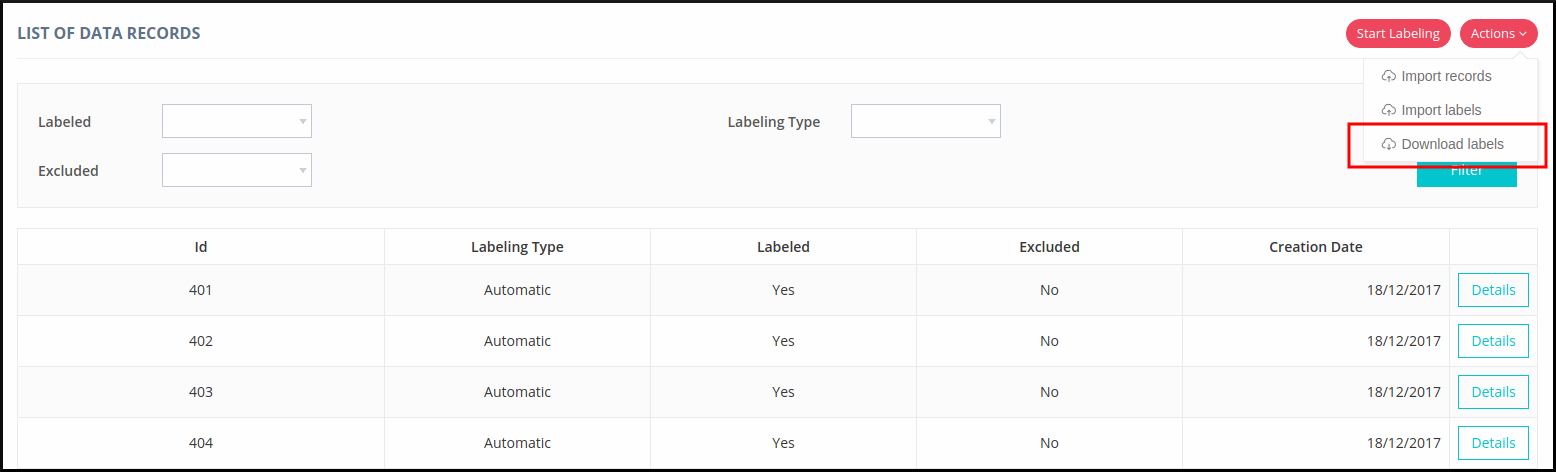
- Data records can be filtered, to make the download faster and easier. Records can be filtered by whether they are labeled, excluded, and labeling type. Once you've filtered the data records, press the Actions button and then Download Labels
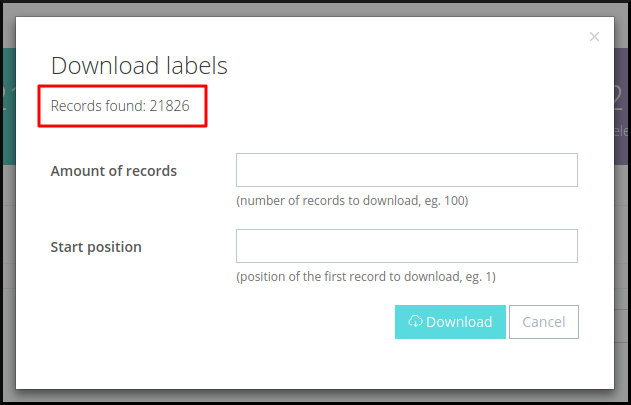
- A pop-up will appear on the screen, displaying the total number of records found with the current filter. You can use amount of records field to specify the number of data records to include in the download and start position field to specify the first record to include in the download. Note you can retrieve a maximum of 1,000 data records per download, and so you may need to perform the operation several times to retrieve the labels for all the data records.
- Finally, press download button to download a CSV file containing the labels for the specified data records