There are two ways to upload data records, one using PrediCX WebApp and another one through the Rest API enabling the upload of huge amounts of data records and system integrations.
To perform this operation through the WebApp you need to:
- Go to the task details screen, by pressing task details button
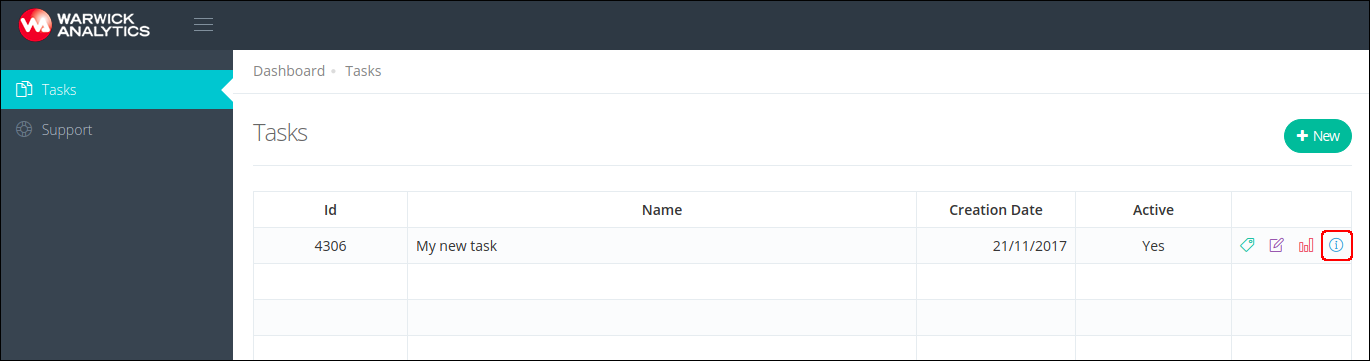
- Access the "Data records" section on the task screen.
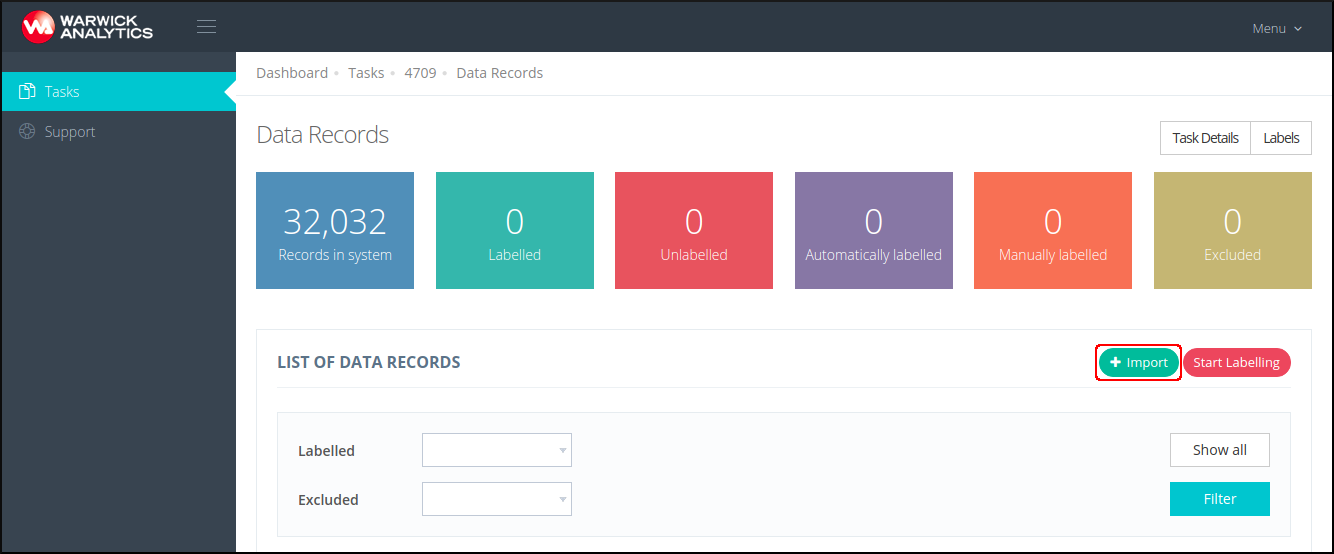
- In the data records screen, press button Actions and then Import
- Drag-and-drop a CSV file containing the data records to upload in the upload box
- Finally, press the Import Records button

- The data records will be uploaded to PrediCX and they will move from the "Records to Import" tab to the "Imported records" or "Failed records" accordingly.
Video Tutorial