In order to design a data record view page you should follow the next steps:
- Go to the task details screen, by pressing task details button
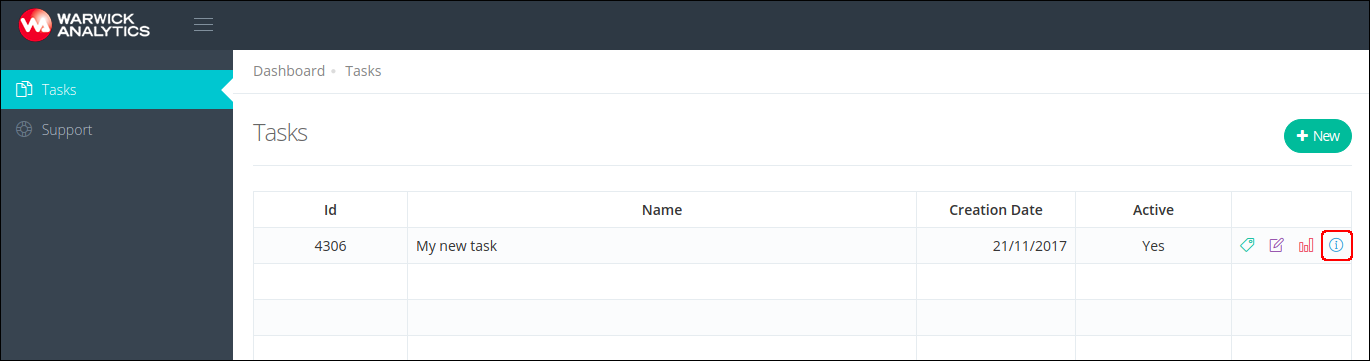
- In the drop-down menu select the Templates option

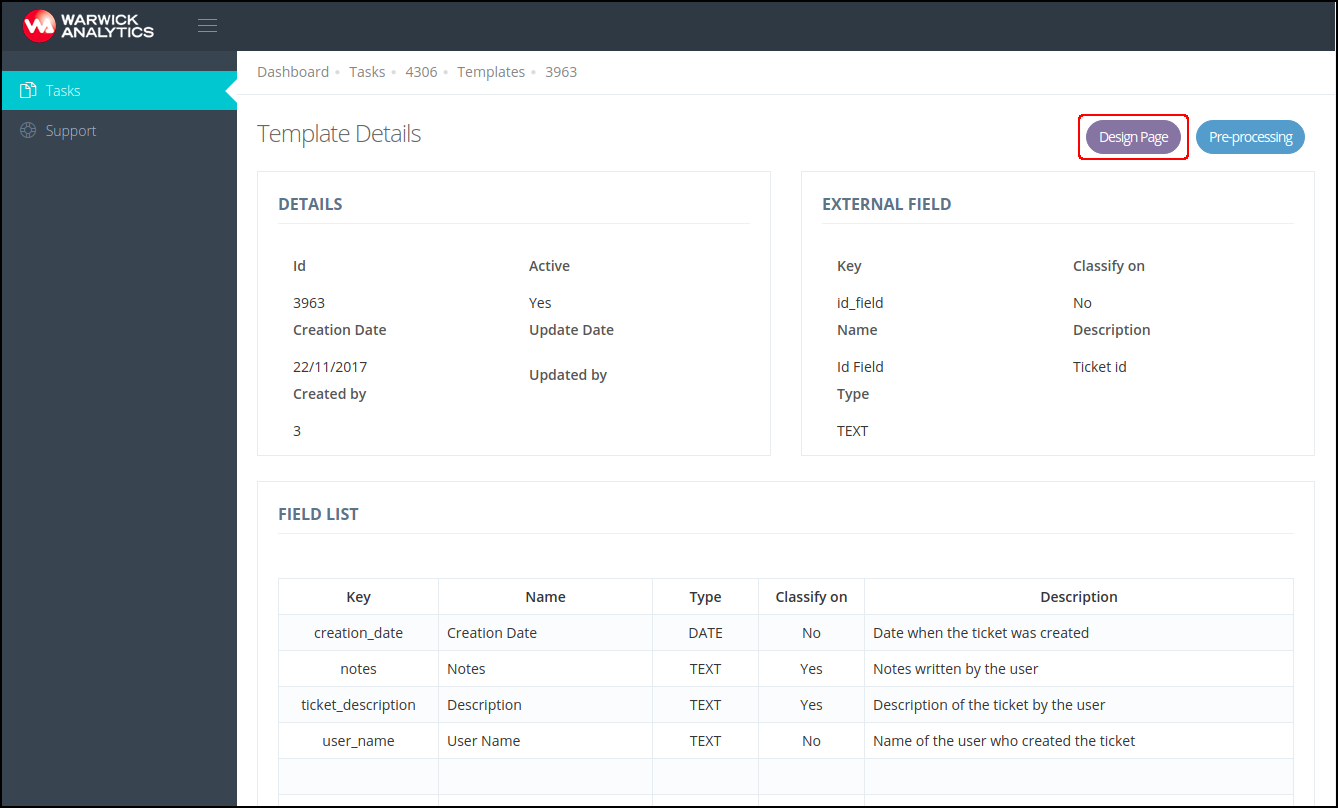
- Select the template you want to create the data record view page for, by clicking on Details button

- Select the option Design Page
- You can create your data record template design by dragging the data record fields from the field list on the right to the rows of fields on the left. To achieve a design that fits better your data record structure you can add multiple field rows (Add row button) and line separators (Add separator button).
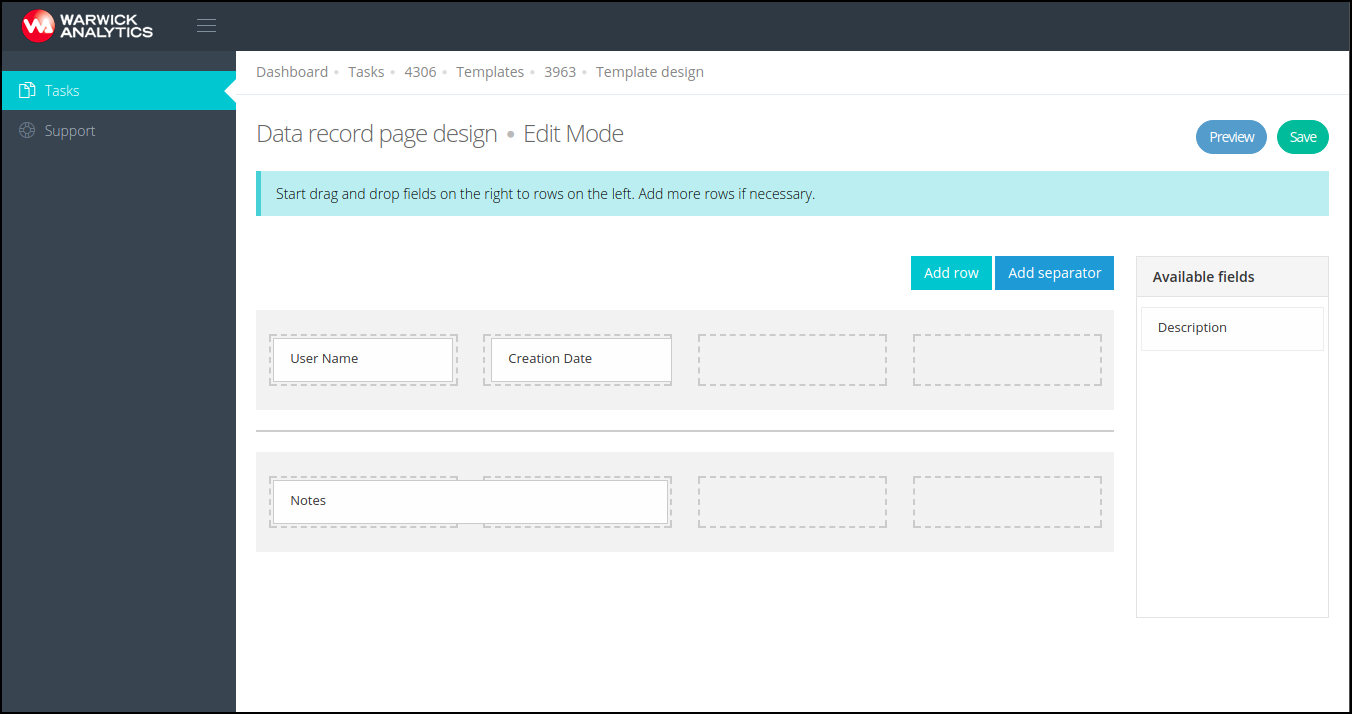
- Press Preview button to see how the data record page is going to look like.
- Finally, press Save button to save your design.