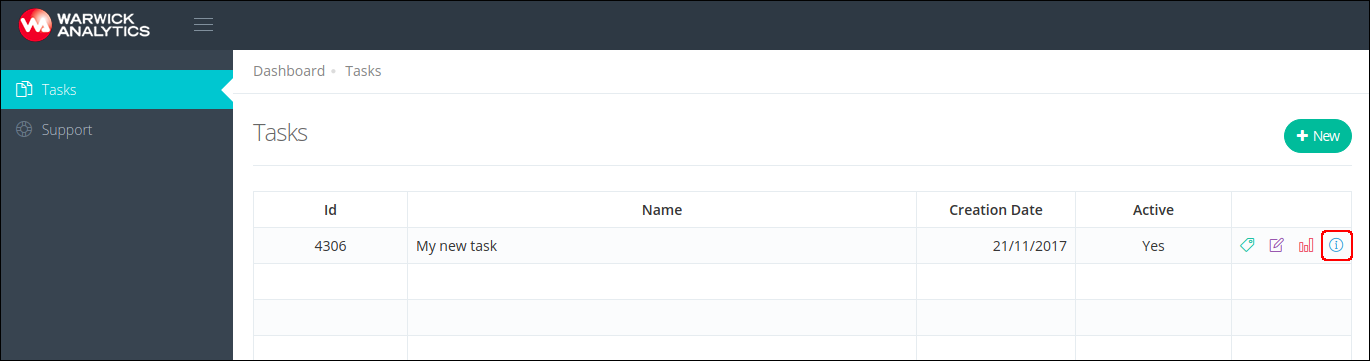
Go to the task details screen, by pressing task details button
In the drop-down menu select the Templates option
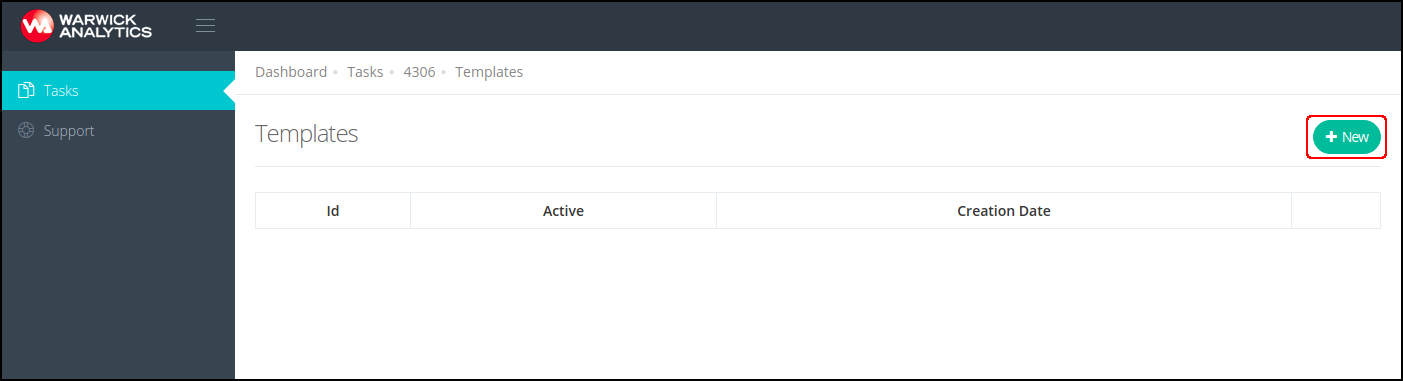
In the task's templates screen press button New
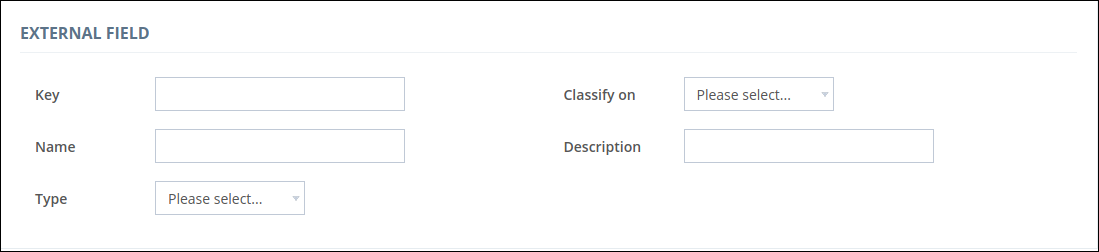
In the External Field section, specify the information about the data record Id, such as id field key (column name in data source), name (displayed field name), data type, description (optional) and if the Id field is going to be used in the classification (classify on)
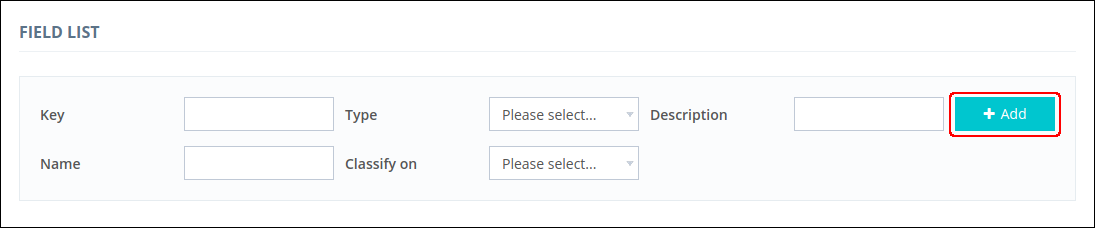
For each field you want to upload in the data record, you need to specify the field key (column name in data source), name (displayed field name), data type, description (optional) and if the field is going to be used in the classification (classify on), then press Add button